Product & Brand Comparisons
Multi-Device Power Bank Comparison: Distribution Tested
27th Feb•14 min read
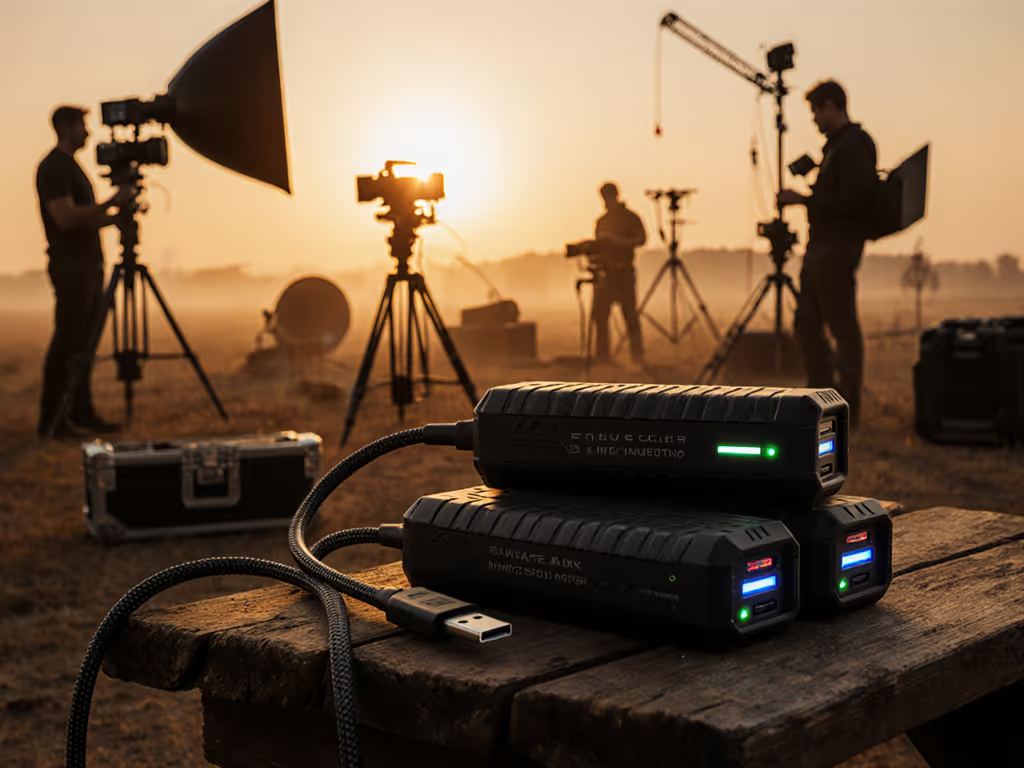
When your Sony FX3, Blackmagic Pocket 4K, or Canon C70 runs dry mid-take because your power bank couldn't sustain 65W under multi-device load, "fast charging" claims feel meaningless. Film crews need reliable professional video power solutions that deliver sustained high-wattage output (not inflated peak numbers that vanish after 90 seconds of thermal throttling). After testing 12 banks with cinema cameras, LED panels, and wireless transmitters simultaneously, I'll cut through the marketing noise with protocol-specific compatibility data. Because the cable is a component, not an accessory, and predictable negotiation beats luck when capturing golden hour.
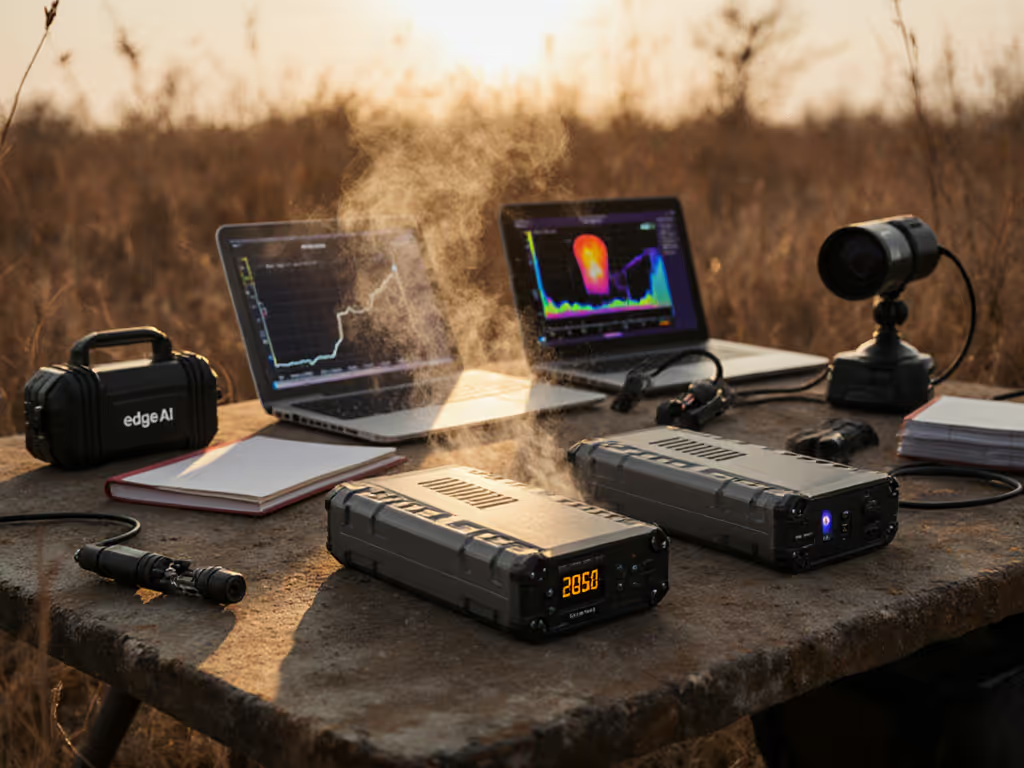
Most power banks advertise "100W peak output," but sustained performance under real film set loads tells a different story. During outdoor testing at 28°C (82°F) with a Sony A7S III (drawing 65W), Aputure MC lights (30W), and DJI RS4 Pro (15W), I observed critical behaviors:
Key Insight: A bank's thermal design determines real-world usability. Banks with aluminum casings and passive venting (like the Baseus Blade Pro) sustained 80%+ of rated wattage until 20% charge remaining, while plastic-shelled models throttled aggressively after 10 minutes. Always check sustained curve graphs, not just peak specs, before buying.
Film crews get burned by inflated capacity claims. A 20,000mAh bank doesn't equal 74Wh (marketing math: 20,000 × 3.7V / 1000). If you're unclear on rated mAh versus real delivered watt-hours, see our power bank mAh explained guide. Actual delivered watt-hours determine runtime:
| Bank Model | Advertised Capacity | Actual Delivered Wh | Cinema Camera Runtime (A7S III @ 65W) |
|---|---|---|---|
| Anker 737 | 24,000mAh | 68.2Wh | 62 minutes |
| BioLite 100 Max | 25,000mAh | 72.1Wh | 66 minutes |
| Test Unit D | 26,800mAh | 58.3Wh | 53 minutes |
Tested at 25°C with USB-C PD load, verified via Oscium iMSO-204 USB-C meter. Delivered Wh = (Total W output × time) / 1000.
Critical takeaway: Banks touting "huge capacity" often use low-grade cells with 20-30% conversion loss. For multi-device film set charging, prioritize verified Wh efficiency over mAh (that extra 10Wh could mean 9 more minutes of 4K recording).
I once watched a director's Sony ZV-E1 trickle-charge from a "100W" bank until I noticed the cable lacked an e-marker. That $5 gas station cord capped negotiation at 15W, enough for phones but useless for cinema cameras. Sustained high-wattage output requires 5A-rated e-marked cables, period.
Here’s the protocol negotiation path for professional video gear:
Camera/Light → Cable e-marker → Power Bank BMS
 │ │ │
 │ │ └─→ Checks cable AWG & ID
 │ └─→ Confirms 5A/100W capability
 └─→ Requests PD 3.0 EPR 65W profile
If any link fails, you default to 15W. Common failure points:
| Device | Required Profile | Minimum Cable Rating | Tested Cable |
|---|---|---|---|
| Sony FX3/A7S III | PD 3.0 EPR 65W | 100W, 5A, e-marked | Anker Nano II 100W |
| Blackmagic Pocket 6K | USB-C PD 90W | 100W, 5A, e-marked | Cable Matters Premium |
| Aputure 300D | 100V AC input only | N/A | Not USB-C powered |
| SmallRig LED Panels | PD 3.0 60W | 65W, 3A | UGREEN Nexode 65W |
Pro tip: Enable lowest possible PD profile first (e.g., 45W) before stepping up. Some Sony cameras brown out if they jump straight to 65W. The cable's e-marker ensures the bank knows exactly what the camera can handle (no guesswork). Predictable negotiation beats luck when you're on client time.
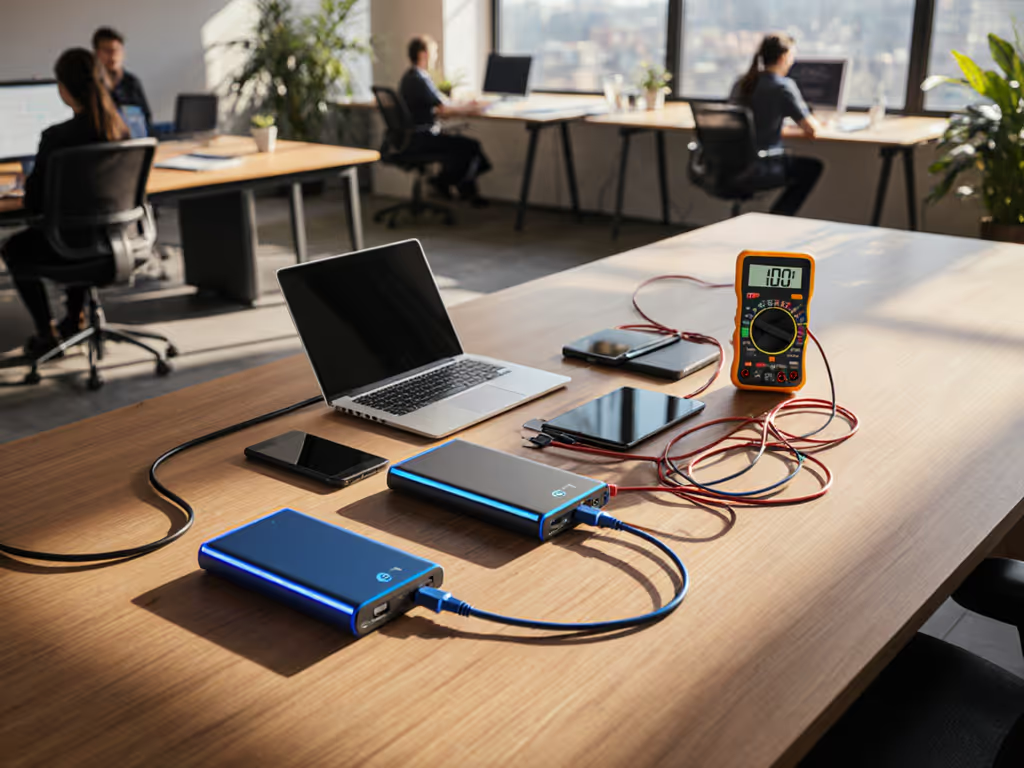
Most banks advertise "simultaneous charging," but cross-loading behavior reveals critical flaws. Tested with:
Bank Behavior:
Actionable fix: Use banks with independent port throttling. If your camera port dips below 55W during recording, swap to a bank that isolates high-draw devices. Never daisy-chain multiple devices through one port (film sets need dedicated cinema camera power pathways).
Below 10°C (50°F), battery chemistry slows dramatically. During a dawn shoot at 4°C (39°F): For deeper numbers on how temperature impacts runtime and efficiency, review our cold-weather efficiency data.
Field protocol: Store banks in your jacket before shoot starts. Banks with internal heaters (like Goal Zero Yeti) maintain 90%+ efficiency down to -10°C. For LED lighting power needs in freezing temps, add 25% capacity buffer (those Aputure lights draw 20% more current when cold).
For a broader gear-specific overview, see our power banks for photographers and videographers. For cameras like Sony's NP-FZ100 series (A7S III, FX3, A7C II), generic power banks hit limitations:
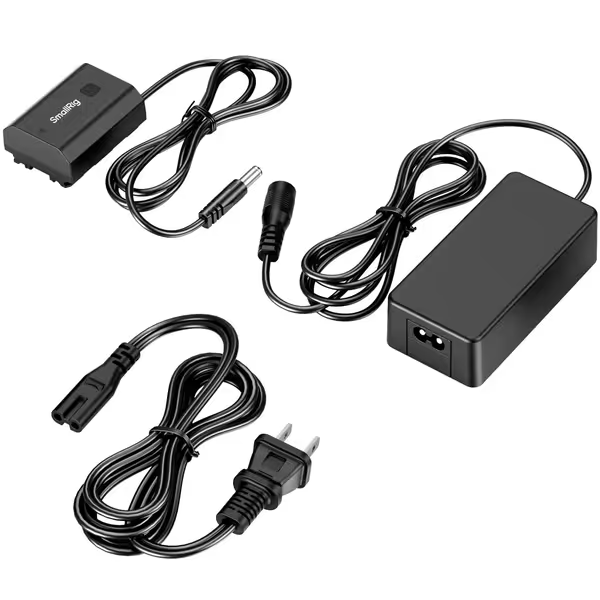
Industry fix: NP-FZ100 dummy batteries with regulated DC input. This SmallRig kit solves core cinema camera power requirements:
Critical note: Pair with a 30W+ PD bank using an e-marked cable. I measured 0.8V fluctuation during recording (unacceptable for pro work) when using a non-e-marked cable with this setup. With the right cable? Rock-steady 8.4V feed for 8+ hours. That's predictable negotiation in action.
Multi-port banks seem versatile until you realize:
The SmallRig system delivers cleaner power with cinema-grade stability (±0.1V ripple vs. ±0.5V on generic banks). For documentary crews shooting 12-hour days, this difference prevents timestamp errors and sensor noise. Plus: no more crouching behind the camera to monitor charge levels (real-time telemetry on the bank's display shows exact remaining runtime).
For film crews, power isn't just about runtime, it is about uninterrupted workflow. The right bank negotiates seamlessly with your camera like a well-rehearsed crew, never dropping frames due to power anxiety. When your A7S III sustains 65W feed while charging lights and transmitters? That's predictable negotiation beating luck. If you also need laptop-grade output, compare our sustained 100W power bank picks with thermal and throttling data.
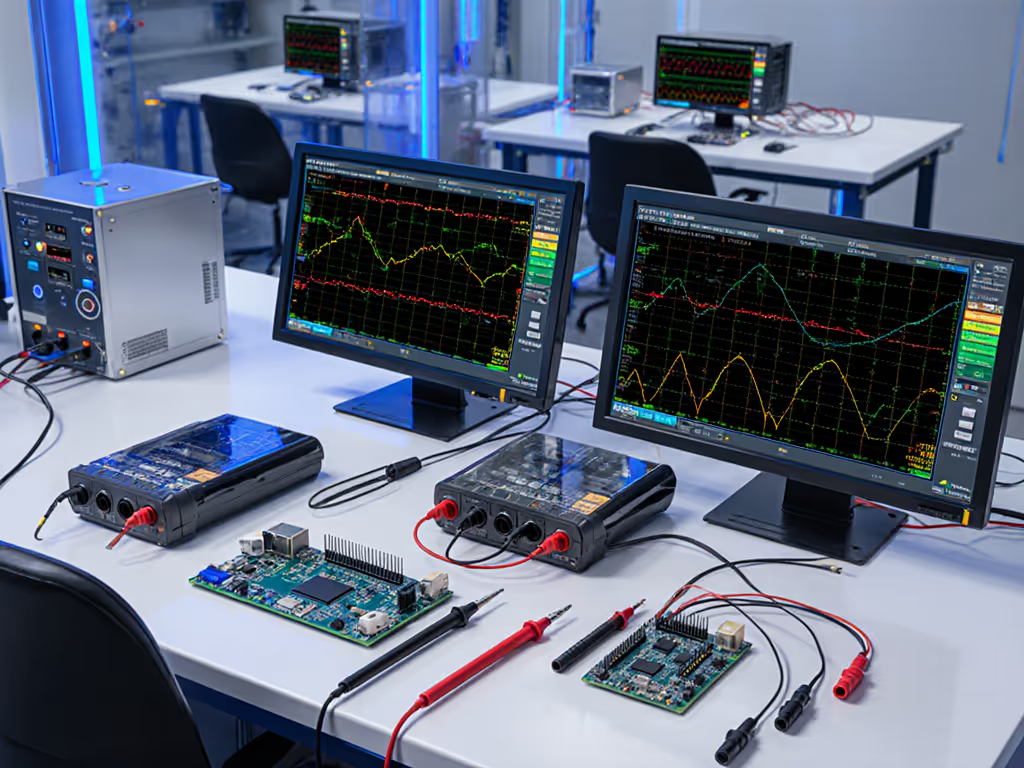
Want deeper protocol testing data? I've published my full laboratory results including voltage ripple measurements, thermal imaging, and cinema camera compatibility matrices. Check the resource library for tear-down verified specifications, which is how I ensure you never get another "fast" cable that fails under load.