Technical Basics, Safety & Care
Real-World Power Bank Capacity: mAh to Device Charges
10th May•9 min read
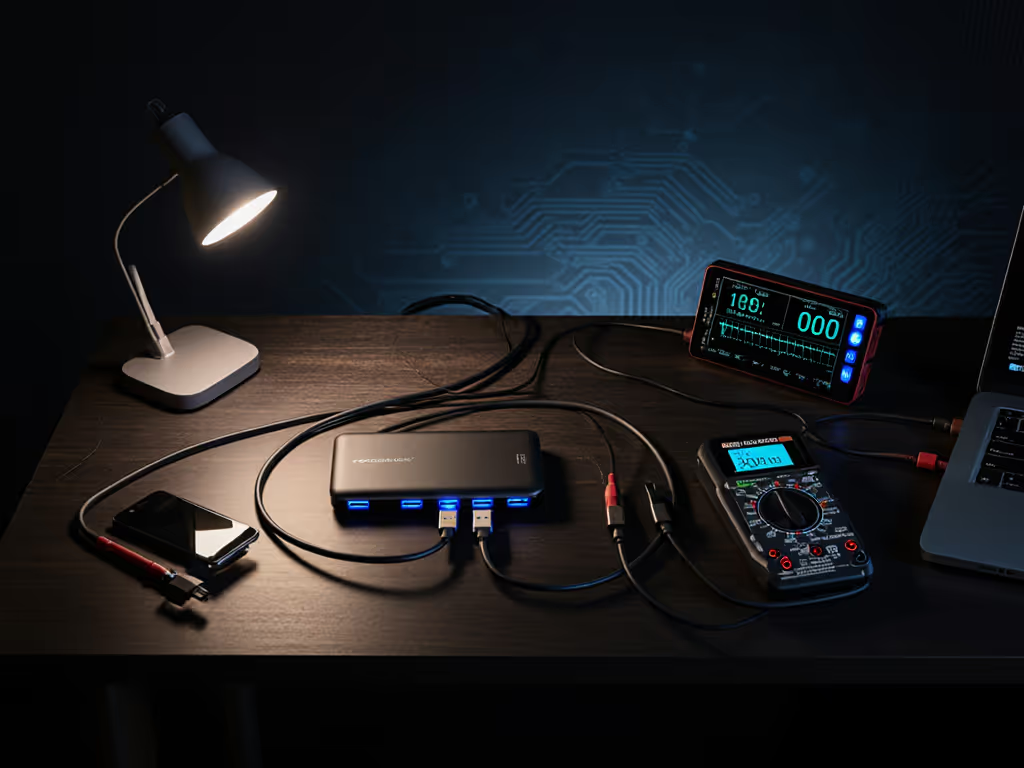
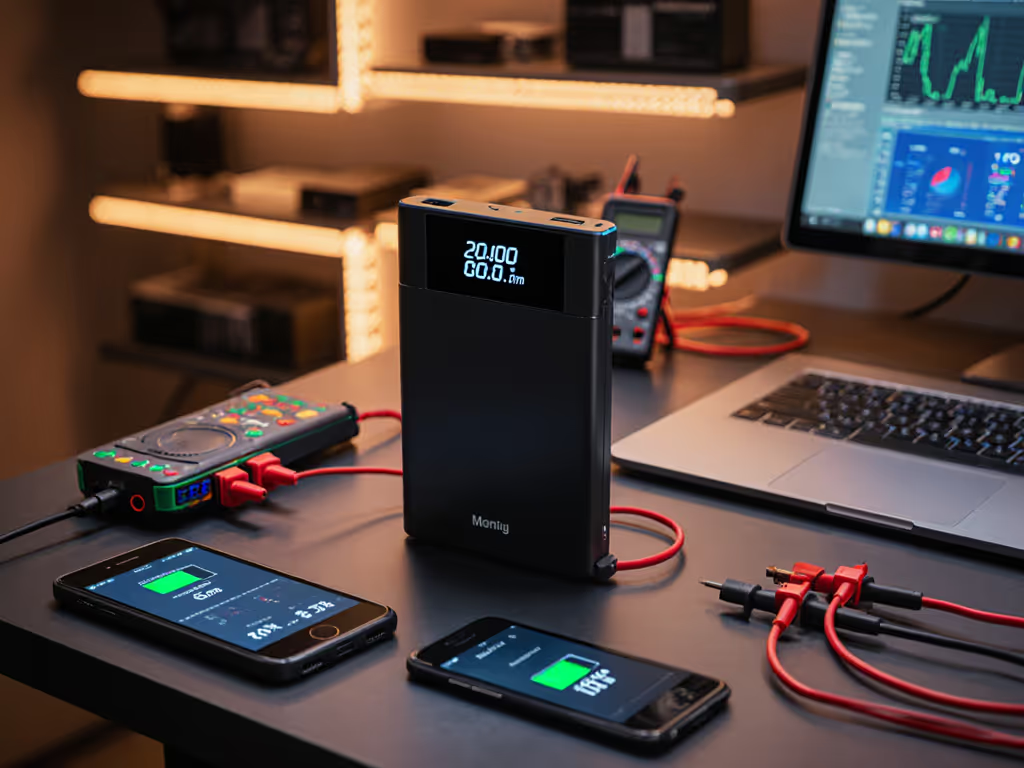
When you plug a USB-C cable into a power bank, two separate conversations happen simultaneously: one about charging power and another about data transmission speeds. Most people conflate the two, assuming a cable labeled "USB 3.1" will automatically deliver fast charging. It will not, unless the cable also supports a Power Delivery or proprietary fast-charge protocol. To confirm compatibility, see our PD vs QC guide. Understanding this split is what separates predictable, multi-device setups from frustrating bottleneck moments.
Data protocols define how quickly information moves across the cable: USB 2.0 maxes out at 480 Mbps, while USB 3.0/3.1 reach 5 Gbps or 10 Gbps respectively. Charging protocols (USB Power Delivery (PD), Qualcomm Quick Charge (QC), or proprietary schemes) determine how much electrical power the cable can safely deliver.
A cable can be USB 3.1 (fast data) but only support 5W charging, making it useless for a laptop. Conversely, a cable might carry 100W via USB Power Delivery but only support USB 2.0 data rates (480 Mbps). The standards exist on separate layers. If you need data and charging through a single setup, our USB-C power bank hub guide shows reliable all-in-one options.
This asymmetry is why a friend's new phone only trickle-charged from what looked like a "fast" power bank, because the cable lacked the intelligent e-marker required to negotiate the proper charging profile, and the bank defaulted to safe, slow 5W output. Swapping for a certified PD cable fixed it instantly. For stubborn compatibility quirks, check models with smart charging features that automatically resolve negotiation hiccups. That afternoon, I realized people needed a framework to match banks, cables, and devices so this particular pain point simply would not occur.
USB Power Delivery (PD) is the industry standard and the one that matters most. PD comes in versions: PD 2.0 (60W max), PD 3.0 (100W max), and the newer PD 3.1 with Extended Power Range (EPR), which pushes to 240W. Most phones, tablets, and laptops now negotiate PD 3.0 or 3.1.
Qualcomm Quick Charge (QC) is a proprietary faster-charging standard found primarily in Android devices and some power banks. QC and PD can coexist on the same cable, and most modern devices detect both.
Proprietary schemes (Samsung PPS, Oppo VOOC, OnePlus Warp) layer on top of PD or QC but require device-specific cables and chargers for full speed.
The key: both your power bank and your device must speak the same protocol for fast charging to activate. A 100W PD power bank connected to a device that only understands QC will negotiate down to QC speeds, not PD speeds. Measure twice, charge once: verify both ends before you leave home.
E-marked cables embed a small chip that advertises their capabilities (current rating, voltage, power delivery profile) to both the power bank and your device. When a power bank sees an e-marked cable rated for 100W, it can safely negotiate higher voltage and current without falling back to a slow 5W default. Cables without e-marking are typically limited to 3A (up to 60W), even if the bank and device support more. For PD 3.1 EPR levels above 100W, you need an e-marked, EPR-certified cable rated for 50V at 5A. Planning to charge a laptop? Compare sustained 100W power banks validated under continuous loads. Check the cable rating before you blame the bank.