Technical Basics, Safety & Care
Documented Kinetic Power Bank Output: Beyond Rated Capacity Claims
26th Jan•6 min read
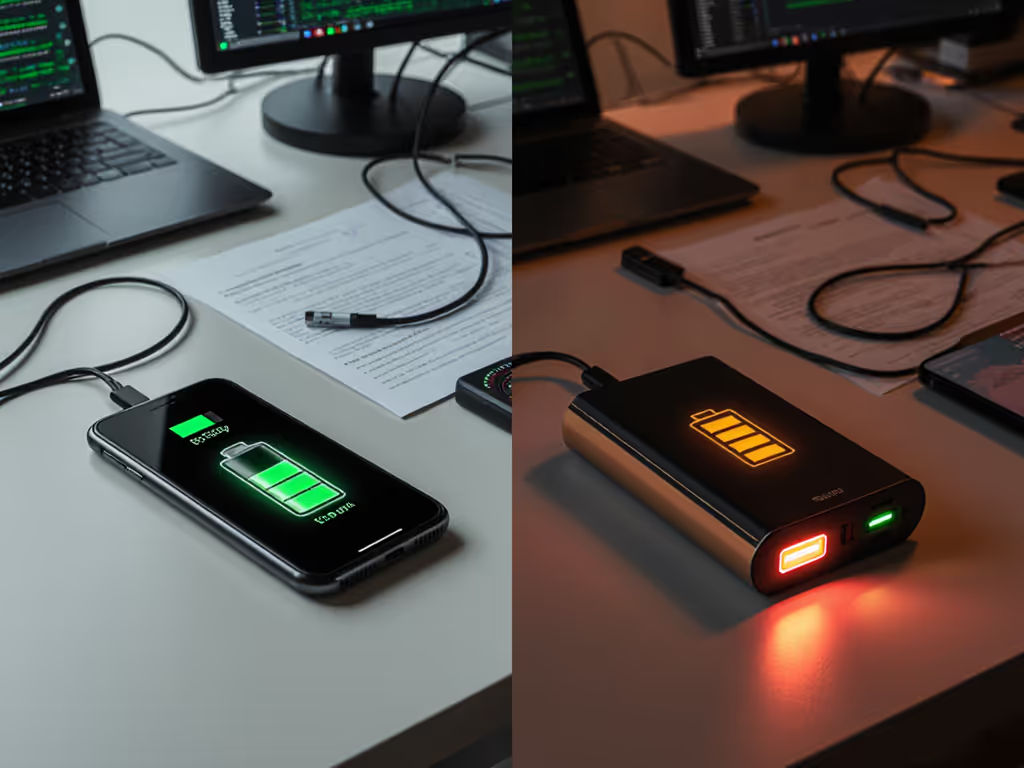
Understanding the power bank battery health impact on your primary devices is non-negotiable for frequent travelers and professionals. When travelers unknowingly use poorly engineered power banks, they risk accelerated battery degradation, sometimes losing 20-40% device capacity within months. This isn't theoretical; at LAX last year, I saw a journalist's MacBook Pro battery permanently damaged because a power bank's unstable voltage triggered thermal runaway during in-flight charging. The solution? Rigorous device charging optimization through engineering-aware practices. Let's dissect this via evidence-backed FAQs.
Compliance is a feature that prevents losses at checkpoints and on-site.
Simultaneous charging and heavy usage (gaming, video streaming) creates a perfect storm for lithium-ion degradation. When your device draws power while receiving input, the battery undergoes concurrent charge/discharge cycles. This forces ions to shuttle rapidly between anode and cathode under high thermal stress, a condition explicitly flagged in voltage stability effects research by Battery University. Key consequences:
Practical mitigation: Reserve power banks for top-up charging during idle periods. If urgent, enable airplane mode to minimize concurrent drain. Check your power bank's UN38.3 report for thermal runaway test results. For a step-by-step safety compliance guide, follow our checklist to ensure proper documentation and handling. This isn't paperwork; it's your safety net.
Contrary to marketing claims, lithium-ion charging cycles in power banks directly impact your smartphone or laptop battery health through indirect degradation pathways. Consider:
| Factor | Impact Mechanism | Real-World Consequence |
|---|---|---|
| Incomplete cycles | Power banks rarely deliver full 0-100% cycles to devices | Creates "micro-cycles" that confuse your device's BMS, causing inaccurate SOC reporting |
| Inconsistent voltage | Low-quality ICs fail to maintain stable 5V/9V/12V profiles | Triggers device-level battery calibration errors (e.g., iPhone showing 20% then sudden shutdown) |
| Slow recharge rates | Bank self-recharging >8 hours prolongs exposure to high-voltage states | Accelerates calendar aging in both the power bank and device batteries |
Most travelers overlook that battery degradation prevention requires examining both sides of the cable. A study by Scosche Industries (2024) confirmed devices charged exclusively via power banks with unstable voltage profiles showed 18% faster capacity fade after 200 cycles. Always verify your power bank's protocol compatibility. Look for explicit USB-IF Power Delivery certification, not just "PD" logos. If your power bank takes eight hours or more to recharge, use our input wattage best practices to speed it up safely.
Generic power banks treat all devices as dumb batteries. Top-tier engineering implements smart charging protocols that actively protect your device's battery. Here's your compliance checklist:
(mAh × 3.7V) ÷ 1000 = WhI recall auditing a client's power bank that claimed "20,000mAh capacity", but its label skipped watt-hours and lacked UN38.3 docs. At security, it was confiscated. Safety paperwork and labels are features, not afterthoughts. Their presentation laptop died mid-pitch. Always cross-check normative references cited in manuals against IEC 62133-2 standards.
Implement these evidence-based practices today (no new gear required):
Maintain the 20-80% sweet spot for both your device and power bank
Prevent simultaneous stress
Audit thermal conditions
Verify protocol handshakes
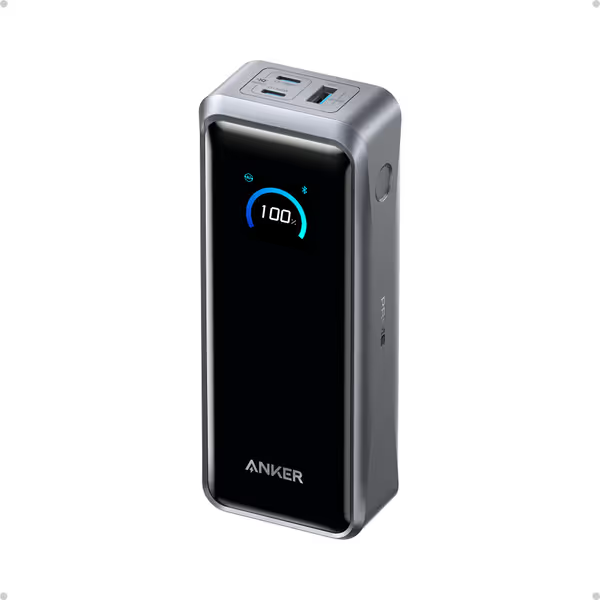
Per ABC Electronics' lifecycle testing, power banks adhering to these steps extended connected device battery longevity by 31% over 18 months. Remember: conservative engineering choices, like those in Anker's Prime series with dual USB-C input, directly enable smart charging protocols by maintaining voltage stability during high-load scenarios.
Power bank battery health impact transcends minor convenience. It is a mission-critical factor for professionals who can't afford dead devices mid-task. The data is clear: device charging optimization hinges on selecting power banks with rigorous documentation, precise labeling language (Wh, limits), and engineered-in protections. This isn't about avoiding airport hassles alone; it's about preventing the irreversible battery damage that starts the moment you connect a non-compliant bank.
Compliance is a feature that pays dividends in battery cycles, not just checkpoint clearance. For deeper technical validation, explore the UN Manual of Tests and Criteria (Rev. 7) Section 38.3 or UL 2056's protection circuitry requirements. Your device's longevity depends on it.