Product & Brand Comparisons
Anker Nano vs Xiaomi UltraThin: Which Compact Power Bank Is Better?
19th Jul•11 min read
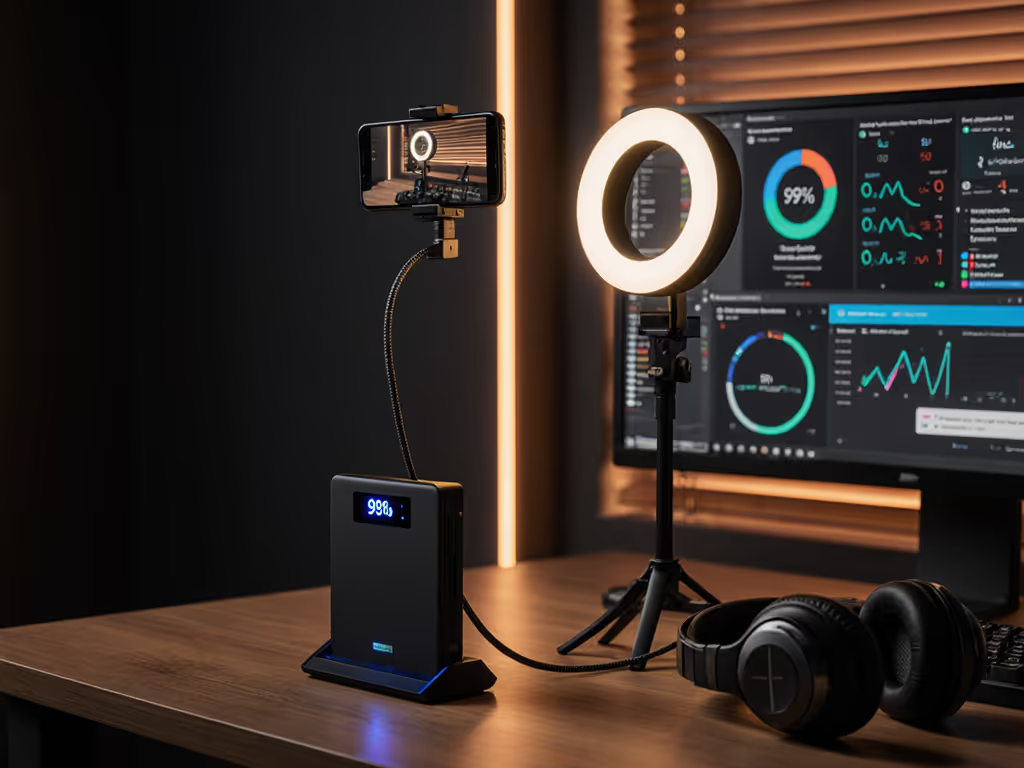
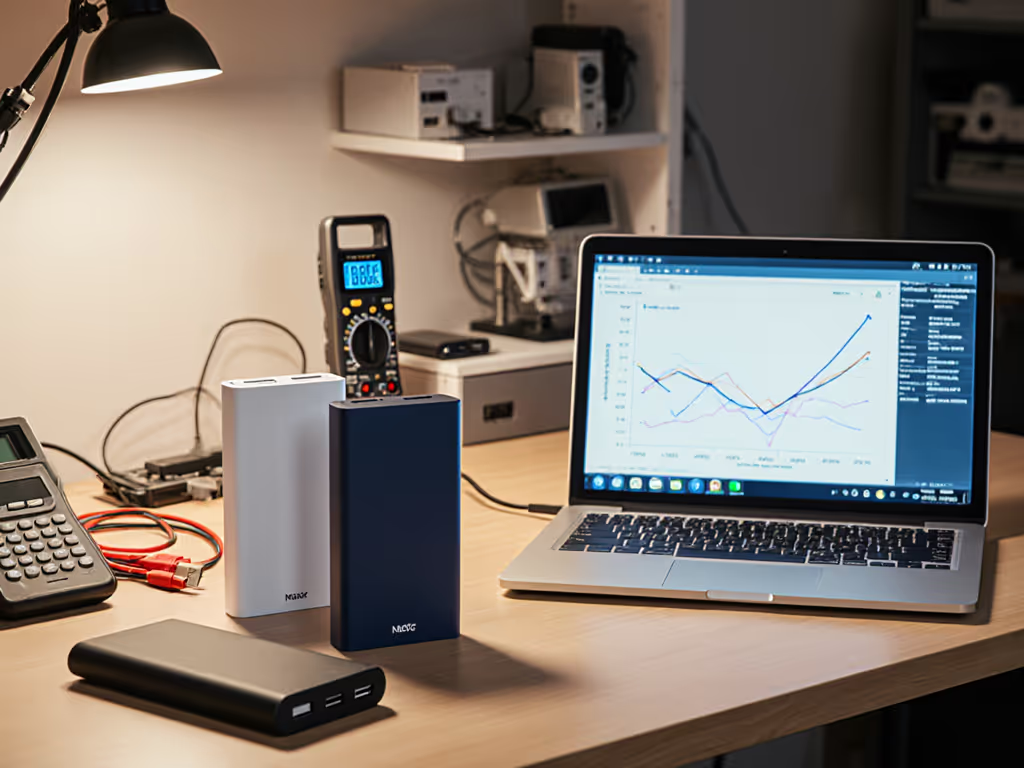
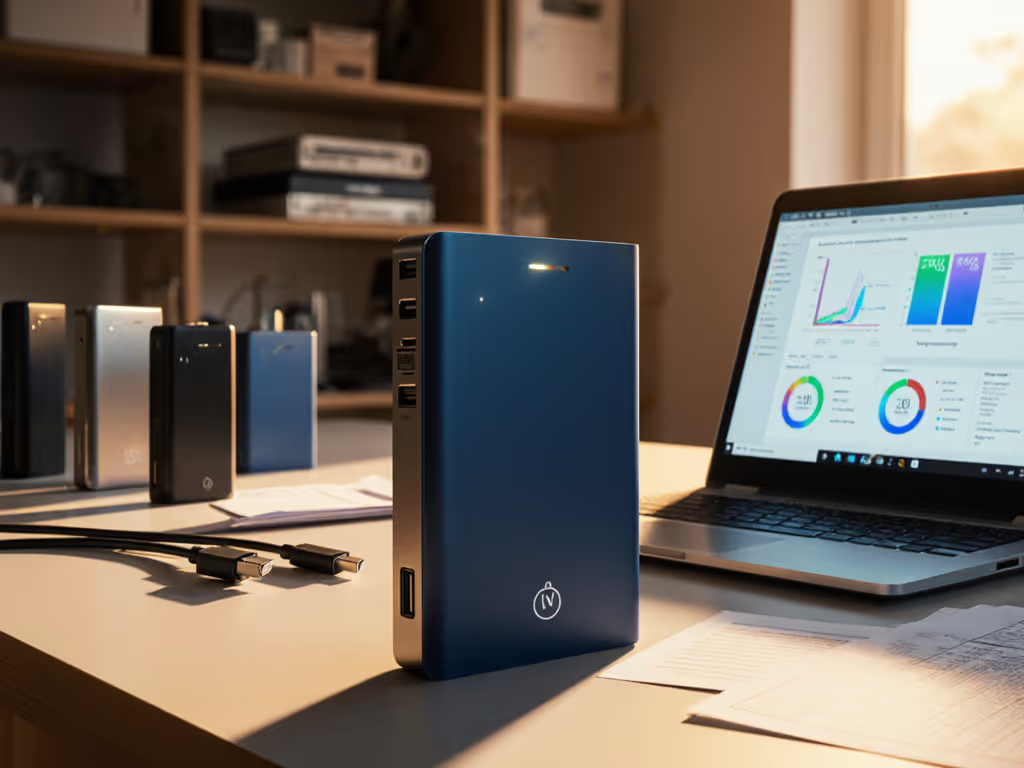
The power bank to choose for streamers and podcasters depends on more than the largest mAh number. For a plain-English primer on capacity math, see our mAh vs real capacity guide. Your real constraint is the negotiation path: which device needs power, at which USB-C port, through which cable, while other devices are connected. For IRL creators, that difference separates a stable phone-and-hotspot setup from a stream that slowly drains anyway. For podcasting, it determines whether the laptop gets its intended PD profile while phones, tablets, or small accessories remain online.
This is a specification-led comparison of four high-output models. It does not treat manufacturer wattage claims as measured runtime, thermal, or multi-port test results. Where the allocation table is not published, I'll say so. Measure twice, charge once.
Not by itself. Use watt-hours (Wh) to compare stored energy across banks, then use watts (W) and port profiles to determine whether your gear can actually accept that energy at a useful rate.
Here is the clean mental model:
Bank stored energy (Wh)
 ↓ conversion and cable losses vary
Negotiated output profile (V × A = W)
 ↓
Device charging or operating load
For example, the collected specifications list the UGREEN 20,000mAh model at 72Wh; no nominal Wh figure was collected for the other 20,000mAh model in this comparison. Neither label establishes a practical runtime for a particular camera, hotspot, microphone, laptop, or phone in the collected evidence. Device load changes throughout a stream; conversion overhead, cable loss, heat, and the device's battery state all matter.
For planning only, a constant 10W load would produce these idealized, loss-free figures from the stated nominal energy:
| Power bank | Stated energy | Idealized 10W calculation | What it means |
|---|---|---|---|
| UGREEN Nexode 20,000mAh 130W | 72Wh | 7.2 hours | Planning baseline only |
| CUKTECH 20 25,000mAh 210W | 90Wh stated | 9.0 hours | Planning baseline only; its page also displays '88Wh/90Wh' |
| SHARGE Shargeek 170 | 86.4Wh | 8.64 hours | Planning baseline only |
| Anker Prime 20K 200W | 20,000mAh stated | Not calculable from collected data | No nominal Wh figure was collected |
A power bank's stated capacity is stored energy, not a promise of a certain number of streaming hours.
Because the cable is a component, not an accessory. USB-C is a connector; the actual result comes from the bank, the device, and the cable agreeing on a supported profile.
USB-C bank port → USB-C cable capability → device input profile
 must align for the intended result
USB Power Delivery Revision 3.1 defines up to 240W over USB-C, including 28V, 36V, and 48V fixed-voltage options. To match protocols across phones and accessories, compare standards in our PD vs QC guide. That does not mean every PD 3.1 bank, cable, and device will negotiate 240W, or even the same profile. Actual power depends on the negotiated profile and cable capability. I have seen a supposedly fast bank appear to 'trickle charge' a new phone until a cable swap made the behavior immediately sensible.
For a creator kit, label your cables by role rather than color: 'Laptop / high-power USB-C,' 'phone / PPS,' and 'accessory.' Use an appropriately rated, e-marked high-power cable when your intended setup calls for it, and verify the device's accepted USB-C input rather than assuming a port will power a camera or audio interface.
The Anker Prime Power Bank (20K, 200W), model A1336, is the most clearly specified option here for a laptop-centric two-USB-C workflow. It has two USB-C ports rated at up to 100W each, a USB-A port rated at up to 65W, and a stated 200W aggregate maximum. Its manufacturer-listed PD 3.0 USB-C profiles run through 20V/5A, and PPS support is listed as 3.3-11V/3A. It weighs 545g.
That makes it a logical fit for a mobile podcast producer who wants a primary USB-C laptop path plus a second high-power USB-C path for a tablet or another compatible device. It also accepts up to 100W input on either USB-C port, which is useful when the bank itself needs to refill during a short stop.
The important limitation: the collected specifications do not provide a full multi-port allocation table. Treat '200W total' as an aggregate ceiling, not as a guarantee that every port can deliver its individual maximum simultaneously. Also, although the support materials list PPS, the collected evidence does not establish a device-specific fast-charge outcome for any particular phone.
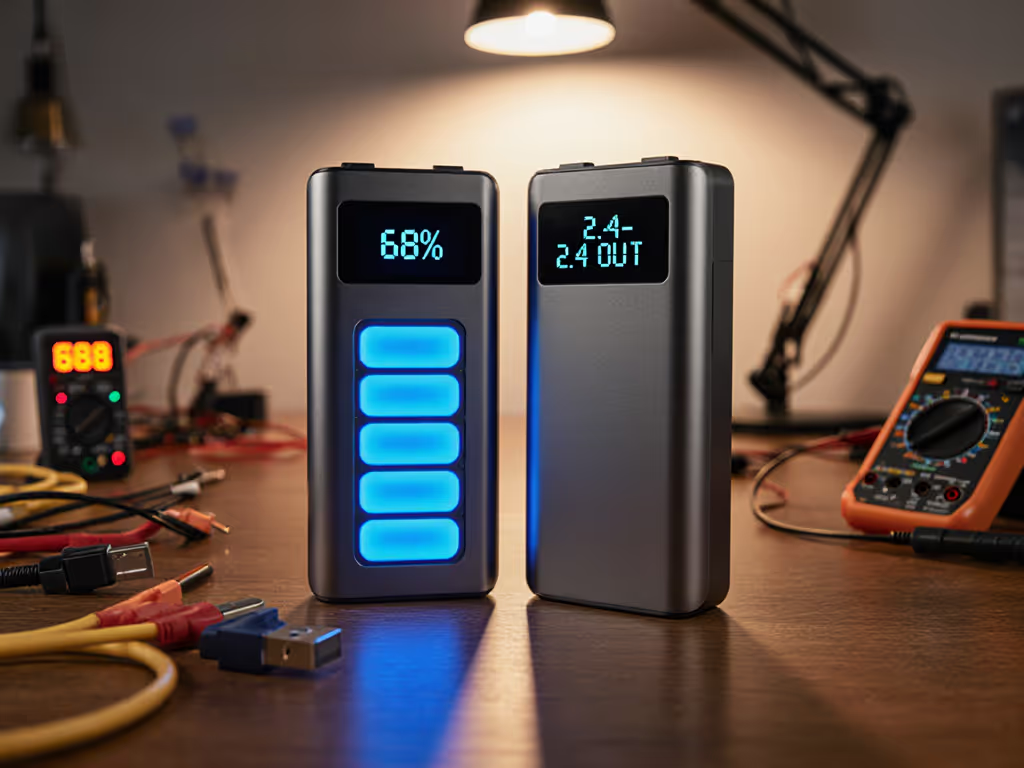
The UGREEN Nexode Power Bank 20,000mAh 130W with Smart Digital Display (SKU 35524) is the lightest model with a directly reported weight in this group: 476g on the US specification page. It stores a stated 72Wh and provides two USB-C ports plus USB-A:
For a one-laptop, one-phone field kit, that port labeling is easier to plan around than a vague 'multi-device' label: put the laptop on C1, then reserve C2 or USB-A for lower-power work. The manufacturer lists PD 3.0/2.0, PPS, SCP, QC, FCP, AFC, Apple 5V/2.4A, and BC1.2 support on USB-C1/C2. A regional UGREEN page also lists a Trickle Charging Mode, though the collected documentation does not define its operating behavior or supported load range.
Its 130W total output is still not a published cross-load map. If a live recording cannot tolerate a surprise renegotiation, test your exact laptop + phone + accessory combination before the job.
The CUKTECH 20 Power Bank 25,000mAh 210W (P23) is the capacity-first pick in this comparison. Its official specifications state 25,000mAh and 90Wh, with a 210W maximum aggregate output across two USB-C ports and one USB-A port. If you travel by air with ~90Wh banks, review our airline compliance guide to avoid check-in surprises. The stated individual outputs are especially useful for mapping a creator bag:
Type-C1 → up to 140W, PD 3.1, 28V/5A top profile
Type-C2 → up to 60W
USB-A → up to 30W
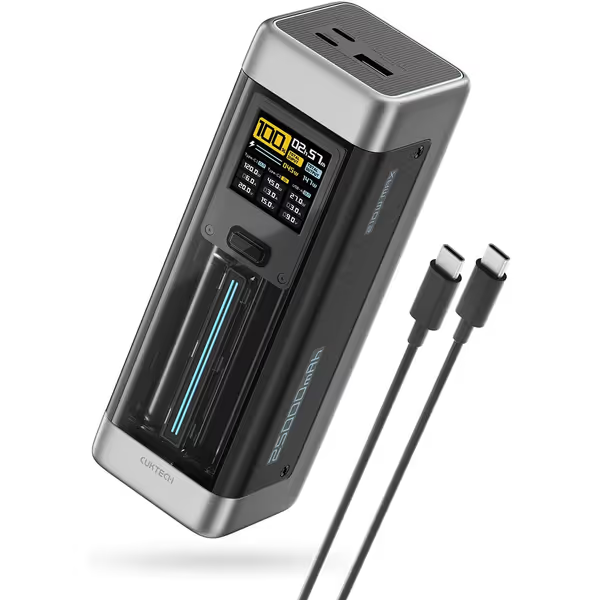
For a multi-device power bank for live streaming, that gives you a clearly designated high-power USB-C1 port, a meaningful second USB-C port, and a third port for a compatible accessory. Its manufacturer also states 100W input support; the specification table lists Type-C1 input at 20V/5.5A, and the collected material does not reconcile those two figures. Plan around the supported input profile of your wall charger and cable rather than promising a particular refill time.
CUKTECH also lists a rated output capacity of 13,500mAh at 5V/6A. That is more informative than repeating the cell mAh number, but it still is not a measured runtime chart for a streaming phone, hotspot, or audio kit. The full three-port allocation behavior is not provided in the collected evidence, so do not assume 140W + 60W + 30W will remain available at once simply because those individual maxima add to 230W.
Only when the device, port, and cable negotiate it. The CUKTECH's Type-C1 has a stated 140W PD 3.1 maximum, but the collected evidence does not establish which particular laptops can use that profile. A high-demand laptop may need a compatible PD 3.1 path to access a 28V profile. The predictable setup is the boring one: check the device's input specification, use the labeled high-power port, and use a cable intended for that power path.
The SHARGE Shargeek 170 combines a stated 86.4Wh capacity with a 170W total-output maximum, two USB-C ports, and one USB-A port. Its manufacturer specifies up to 140W PD 3.1 from a single port, up to 140W input, and a claimed 0% to 50% recharge in 20 minutes under the relevant conditions. At 680g, it is the heaviest option in this group with a directly reported gram weight.
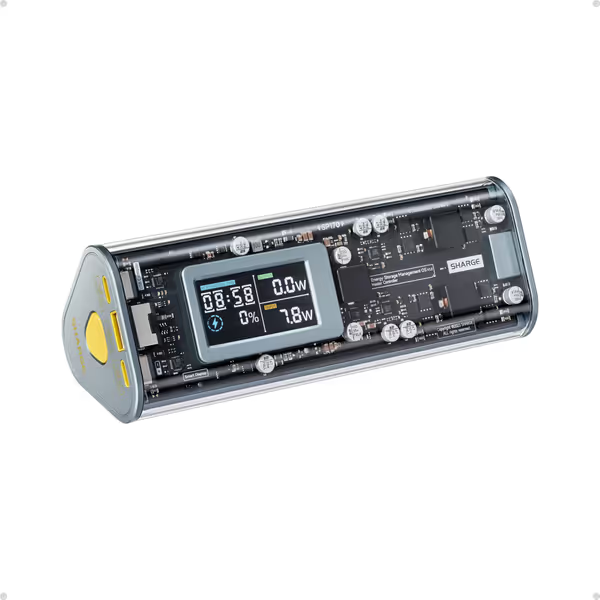
This is the cleanest match for a power bank for IRL streaming when your bag includes low-draw gear as well as a larger device. SHARGE expressly documents a Low-current Mode for earbuds, smartwatches, and wristbands. That is valuable because small devices can be awkward with banks that automatically stop output at low draw. SHARGE also makes an IP66 water-resistant claim; treat that as a manufacturer claim, not an independent ingress-protection test in this comparison. For drop and weather-tested picks, see our rugged power bank comparison.
The multi-port note is unusually specific, but still incomplete: SHARGE says either USB-C port can provide up to 65W when all three ports are in use. That is a useful planning guardrail for a laptop-plus-phone-plus-accessory session. It is not a full wattage allocation table, so validate the entire loadout before a paid broadcast.
| Scenario | Best fit from this comparison | Why |
|---|---|---|
| Mobile podcast with a USB-C laptop and another high-power USB-C device | Anker Prime 20K 200W | Two USB-C ports rated up to 100W; 200W stated total |
| Lighter conference or city-stream kit with a laptop on one primary port | UGREEN Nexode 20,000mAh 130W | 476g stated weight; clearly defined 100W C1 / 30W C2 hierarchy |
| Long IRL day needing the largest stated energy figure here | CUKTECH 20 25,000mAh 210W | 90Wh stated capacity; 140W C1, 60W C2, 30W USB-A |
| Rain-exposed work, wearables, or low-current accessories alongside larger gear | SHARGE Shargeek 170 | Documented low-current mode; manufacturer IP66 water-resistance claim; stated all-ports USB-C behavior |
Use this five-point preflight checklist:
The right portable charger for streamers is the one whose ports, cables, and devices have a documented path to agreement, not merely the largest number printed on the box. Start a simple matrix for your own kit: device, input protocol, intended port, cable label, and whether it was tested alone or under full load. Add the bank's stated Wh and recharge input beside it.
That one page will tell you far more than 'fast charge' ever can, and it turns the best power bank for podcasting equipment into a repeatable system rather than a gamble. For everyday risk reduction and incident-free charging on set, read our power bank safety guide.